
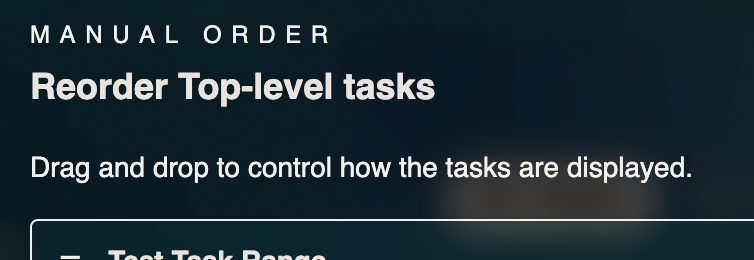
Manual task sorting has arrived in Neuralist
Many people have asked for a way to take full control of how their tasks appear. Today that option is available. You can now reorder tasks by hand to match the way you think, plan, and focus.
Manual sorting gives you the freedom to place important tasks at the top, group related work together, or set up a flow that feels natural instead of automatic.
To use it, open any task group, change the display type to Manual Order, then select Edit Order. You can drag each item into the exact position you want. When you save, your list will keep that arrangement.
A quick tip for power users: visit your settings and switch the Top Level Sort option to Manual Order to use the feature on your main list as well.
This update gives you more flexibility and more control over your day. Give it a try and see how it changes the way your list feels.