
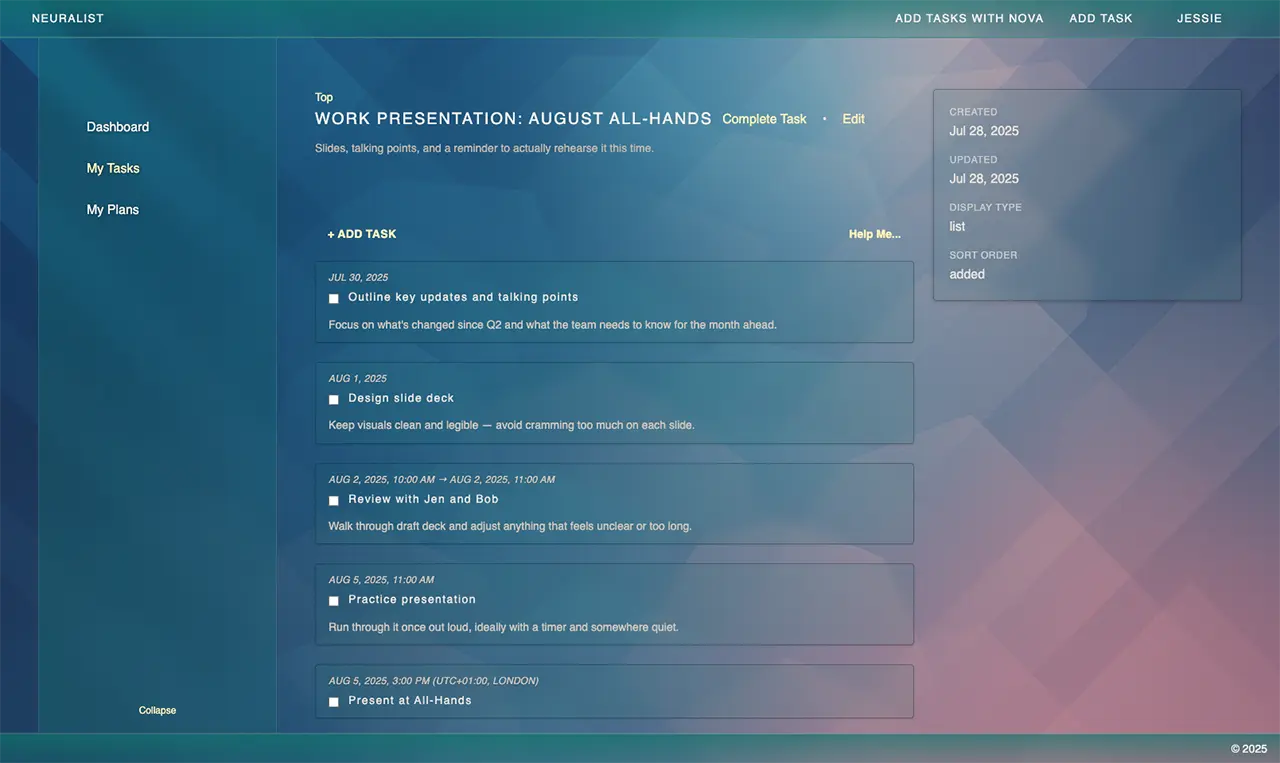
Beyond To-Dos: Creative Ways to Use Tasks You Haven’t Tried Yet
Most people treat tasks as boxes to tick. But once you stop seeing them as single-purpose reminders, they become something much more flexible. Tasks can be templates, journals, prompts, or even mini decision tools.
Here are creative ways to stretch what a task can do and build a workspace that actually thinks with you.
1. Build a Task Library You Can Reuse
Keep a “Templates” list filled with projects you repeat often. It could be a client handoff checklist, a product launch outline, or your packing list for travel. When you need one, duplicate it and track progress in the copy. Add a “notes” subtask for what you’d tweak next time.
2. Turn Tasks Into Mini Journals
Tasks can double as quick logs.
Create a “Today” task each morning and jot subtasks for what you accomplished. Keep a “Learning Log” task for a topic you’re studying and add new insights under it. Or use a single task to track energy levels, noting what helps or drains your focus. Over time, you’ll see patterns you couldn’t before.
3. Use Tasks to Think Through Decisions
Instead of a pros-and-cons list on paper, make a parent task for the decision itself. Each subtask becomes an option or consideration. You can note pros, cons, or questions inside the details. When you resolve one, mark it complete. You’ll make choices with more context and less guesswork.
4. Collect Notes and Ideas as Tasks
A task doesn’t have to represent “work.” It can simply hold ideas.
Keep a parent task called “Ideas to Steal” or “Marketing Hooks” and fill it with subtasks for passing thoughts. Store quotes, article links, or creative sparks there. It’s like a digital scrap pile you can actually sort later.
5. Build and Refine Routines
Routines live well inside task structures because they’re just repeatable sequences.
Make a “Morning Reset” or “Weekly Review” task with steps as subtasks. Check them off, then duplicate the task for the next day or week. Or try small challenges, like “7-Day Focus Reset,” to gamify a new habit.
6. Connect the Dots Between Projects
Use tasks to link related work that normally lives apart.
Create a “Waiting On” task for items blocked by others so nothing slips through. Keep a “Quarterly Goals Overview” task that links to priorities across multiple projects. Or organize by context: “Calls,” “Follow Ups,” “Errands.” You’ll move faster by seeing what fits together.
7. Track Experiments and Insights
Think of tasks as mini lab logs.
Use one to track a productivity tweak or personal experiment, with subtasks for daily notes. Keep an “A/B Test” task for different approaches you’re trying. And after any big project, write a “Next Time I…” task filled with lessons you’d want your future self to remember.
8. Capture Emotional and Creative Moments
Some moments are worth documenting even if they don’t belong on a calendar.
Make tasks like “Launch Day” or “First Client” and add subtasks describing what made them special. You can also use a task to log moods, energy shifts, or sparks of inspiration. These small records often reveal how you do your best work.
Closing Thought
The best task systems aren’t just about getting things done, they’re about seeing how you think.
Experiment with how you use yours and notice what changes.
If you want a workspace that already supports flexible, creative structure, Neuralist makes it easy to turn scattered thoughts into organized progress.